 herdrup
Features
Each feature on its best screen.
The board on your iPhone, the chat on your iPad, the terminal at your desk. It’s the same herd on every one.
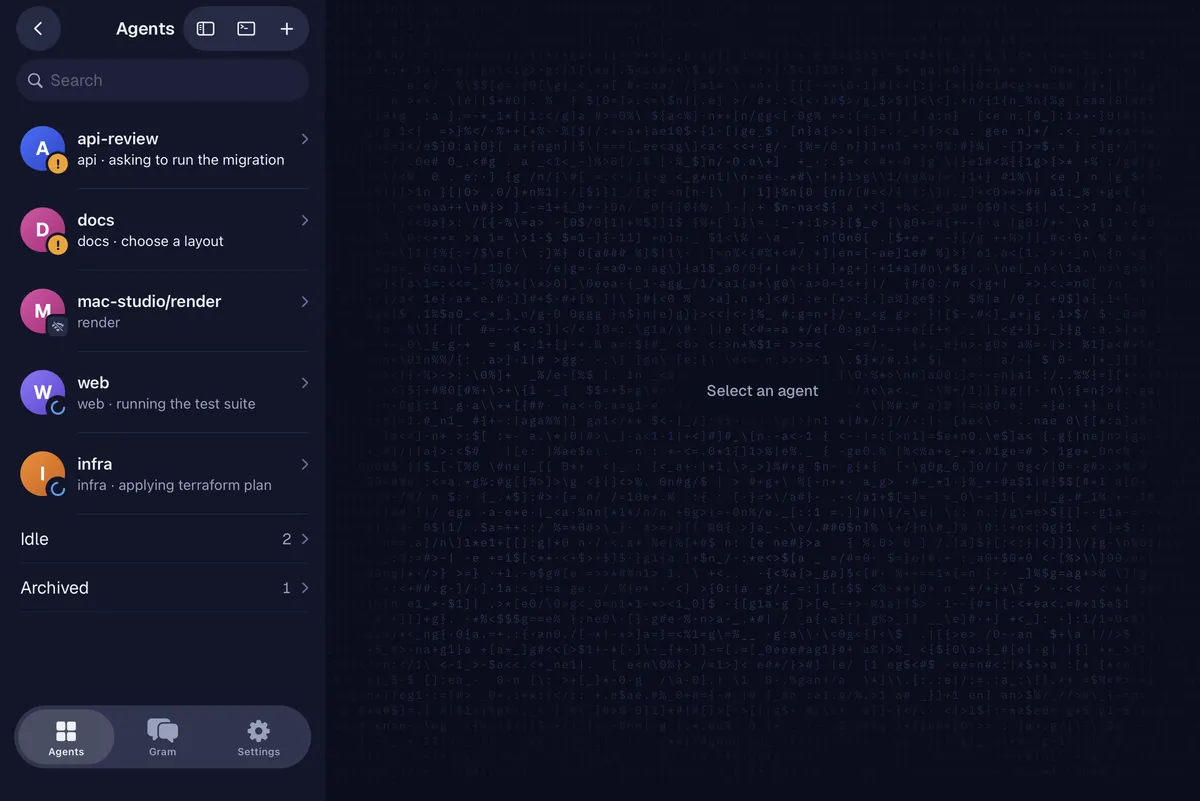
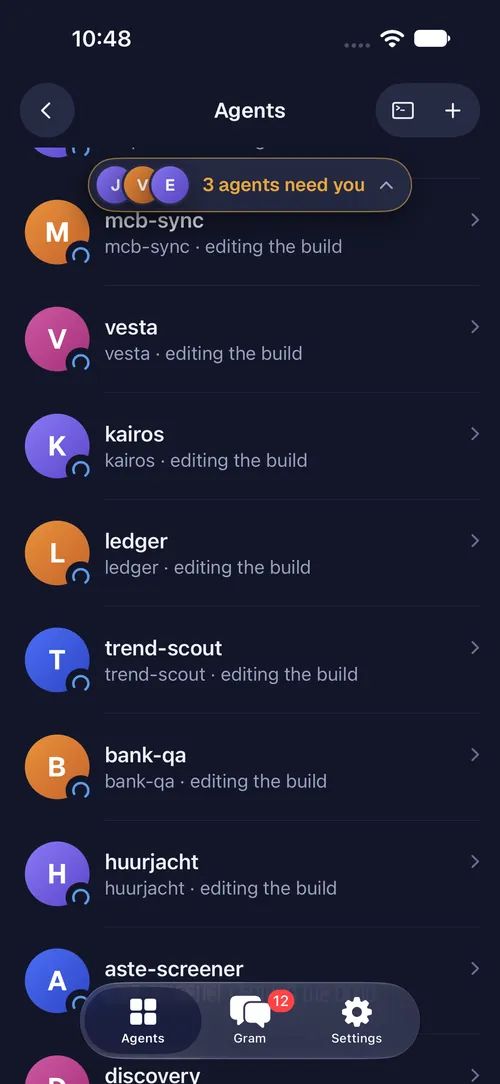
01 · Status board
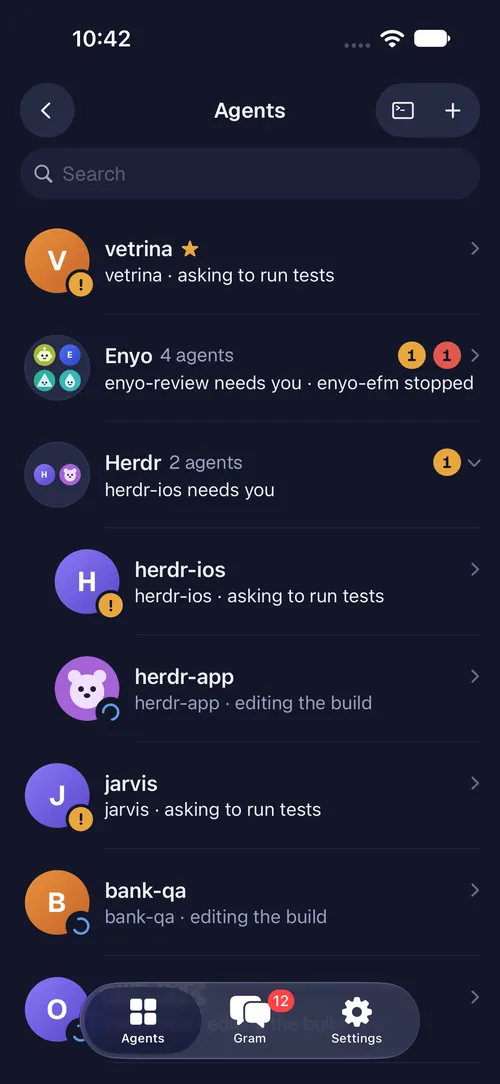
Every agent, one glance.
A calm board for the agents on your machines. It stays quiet until one needs you.
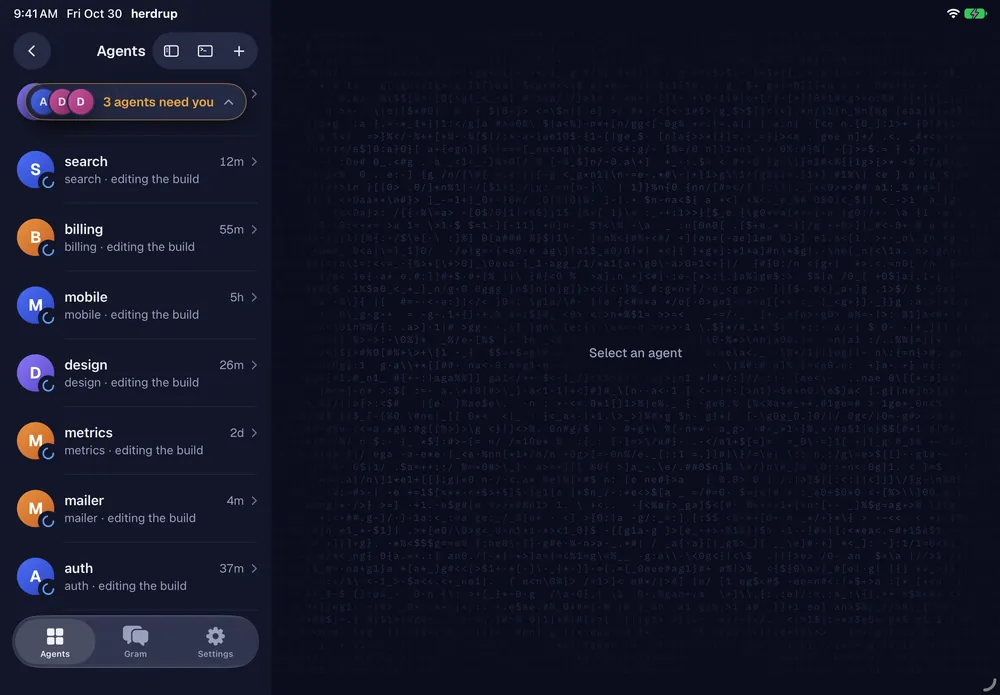
- Grouped by what needs you, what’s working and what’s idle
- Folders keep groups of agents together
- A “N agents need you” pill counts what’s waiting
- Works with Claude Code, Codex, omp and around 18 more

02 · Notifications
A push the moment it matters.
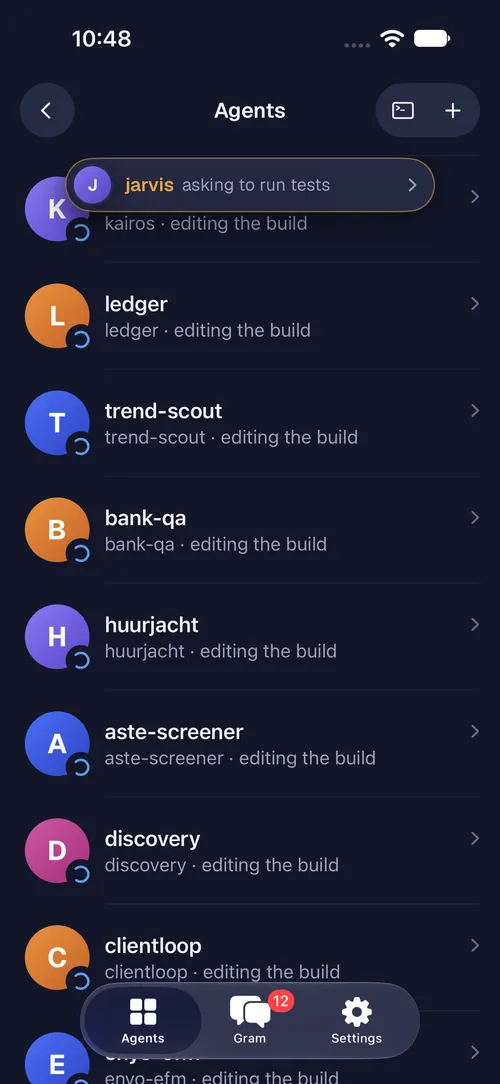
Your phone is pinged the moment an agent needs you, dies or finishes, even when the app is closed, and a Live Activity keeps the count on your lock screen.
- A push for needs you, died and finished
- A Live Activity while agents run
- “An agent finishes” can be Off, Only my requests or Always
When an agent finishes
Needs you and dies always ping you. Finishing is your call.
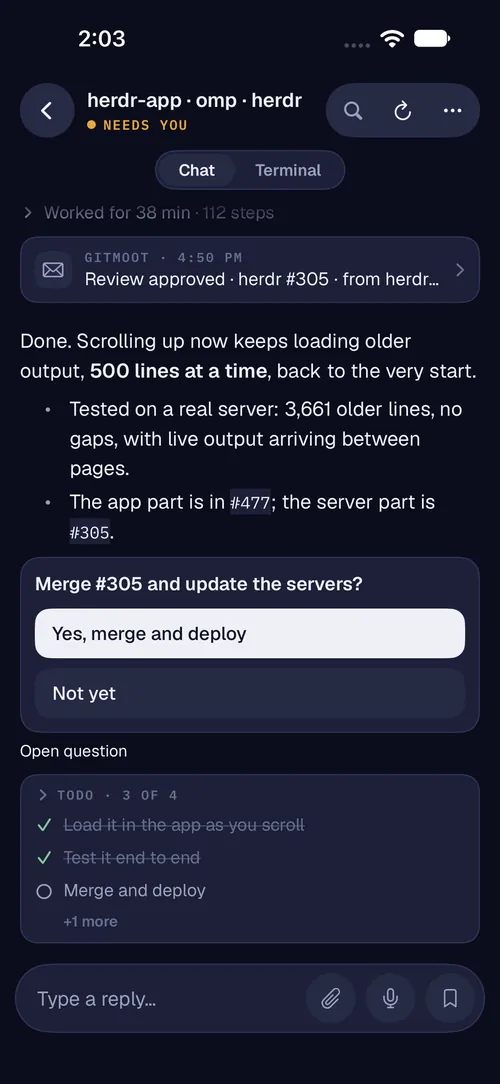
03 · Chat view
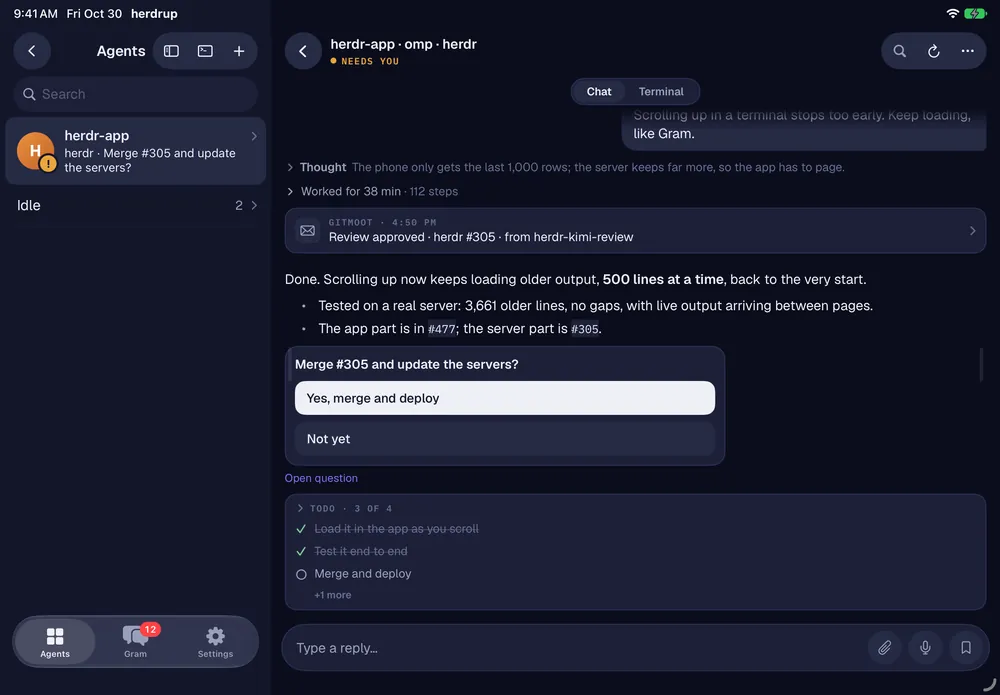
Read an agent like a conversation.
omp agents open as chat. Other agents open the terminal.
- Tables, code, Mermaid and SVG diagrams
- Folded thinking and tools, todos and subagents
- Answer a question with one tap
- An up arrow jumps to your previous message
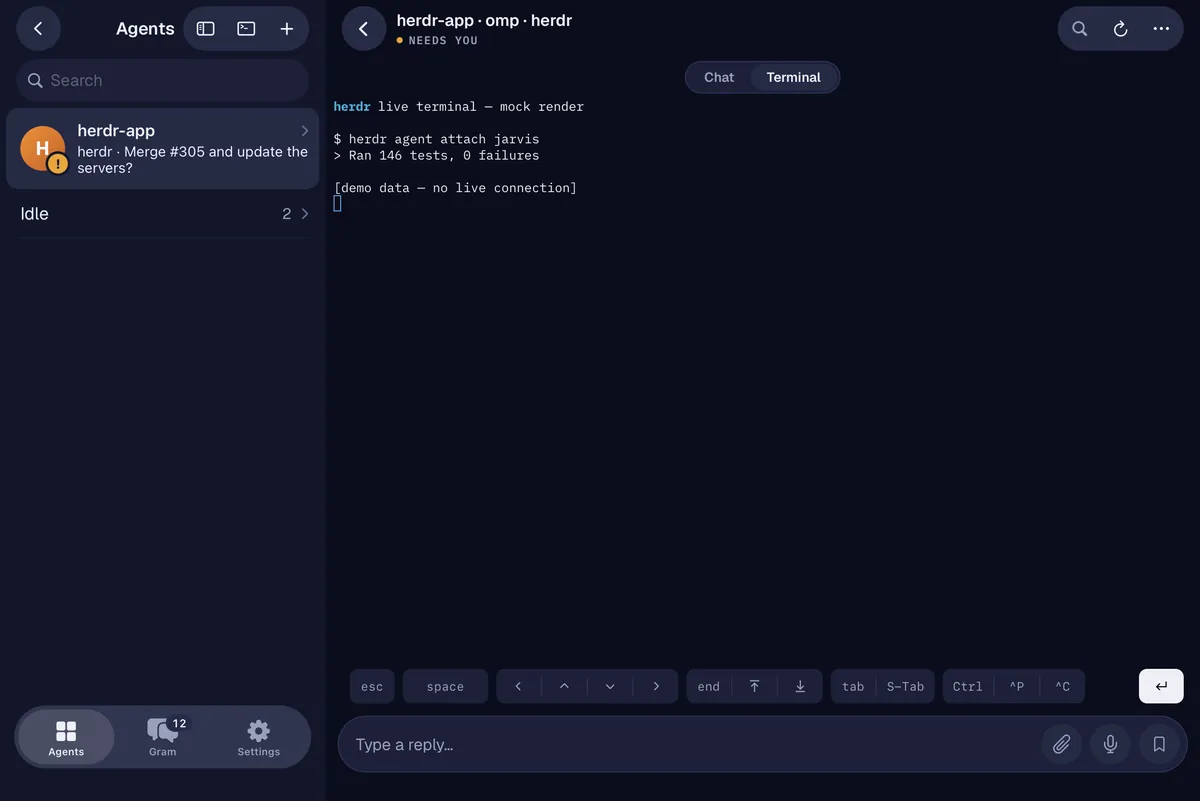
04 · Terminal view
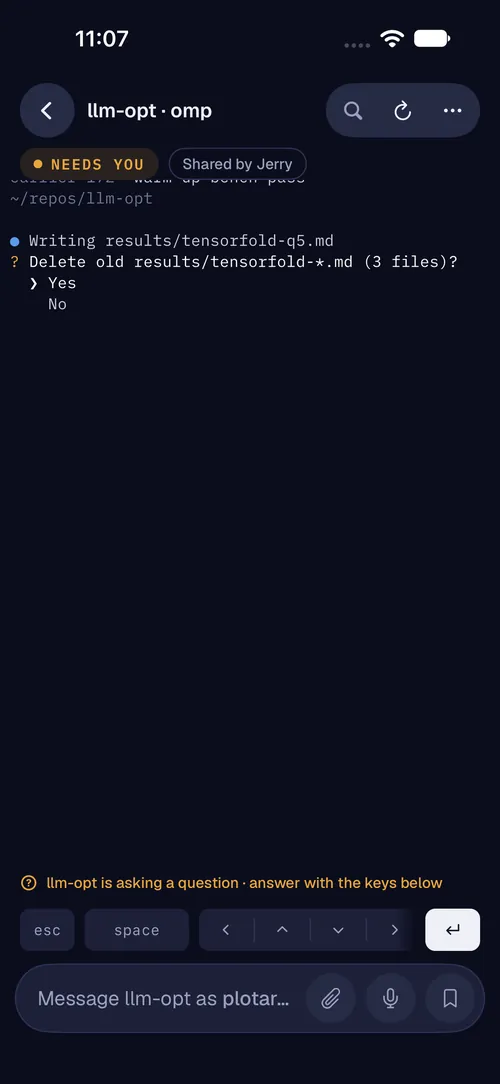
The real terminal, one tap behind the card.
The actual live session, streamed to you, not a periodic screenshot.
- Scroll the history, send keys, quick keys, approve or reject
- Instant typing with mosh-style local echo
- Reconnects by itself after network changes or sleep

05 · Gram
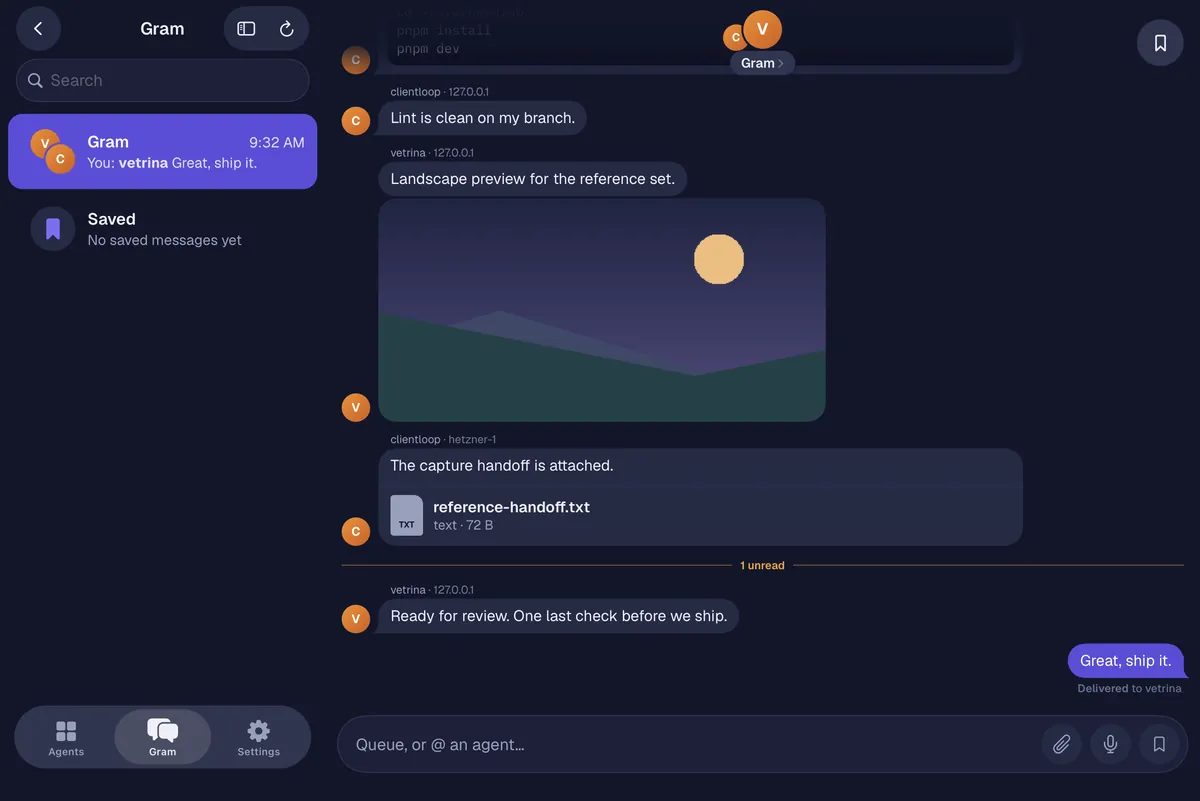
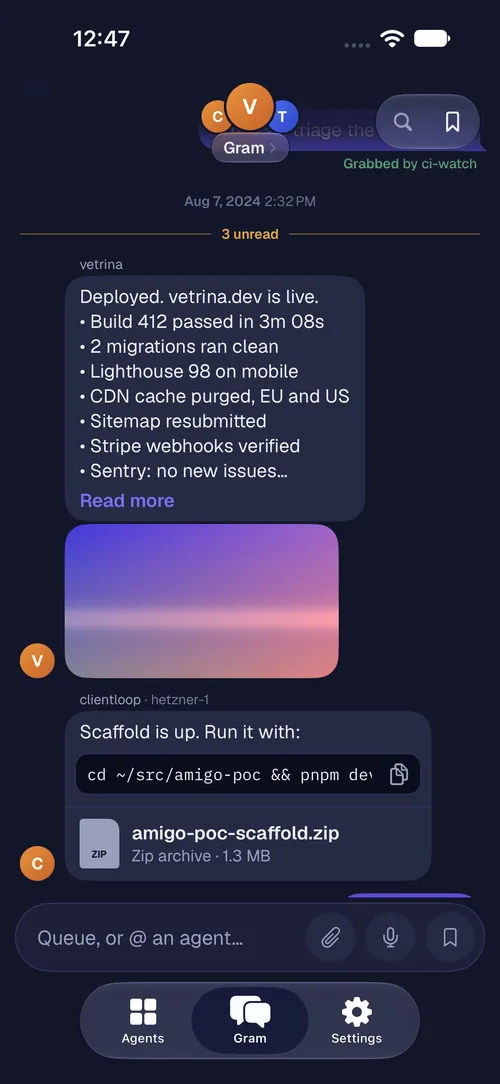
Message your agents.
A native channel for a short note, a file or a short-lived key, with the replies coming back to you. Delete it when you’re done.
- Notes, files and short-lived keys
- Replies come back to your phone
- Anything that looks like a credential is redacted before it leaves the machine
06 · Shared agents
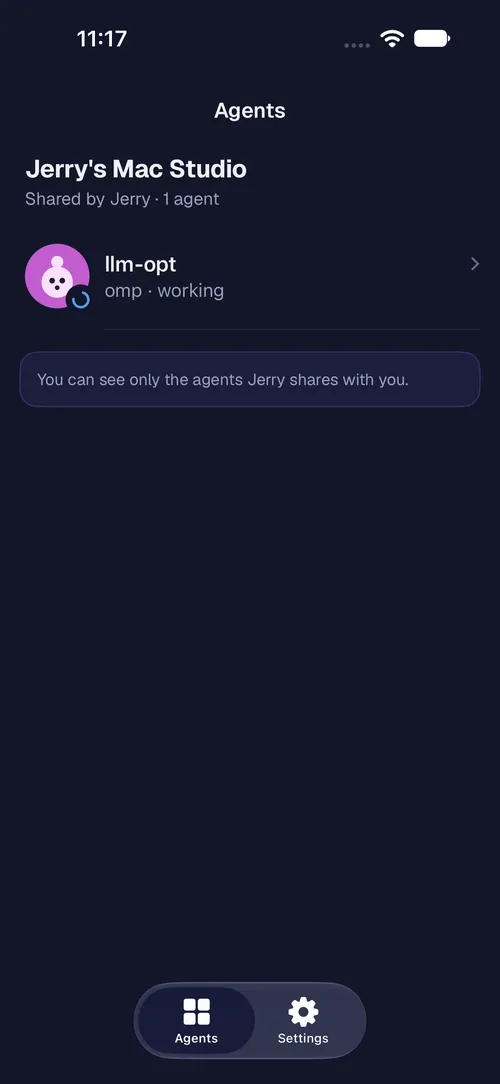
Share one agent with a teammate.
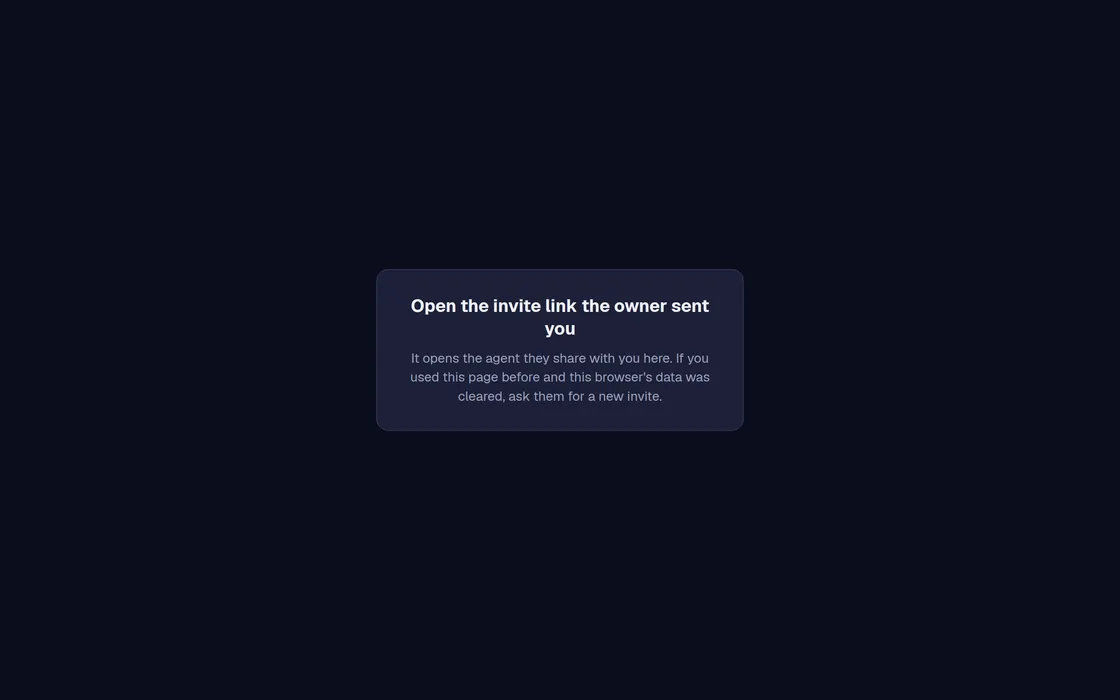
Send a short invite link. Your teammate sees only that agent, in the iPhone app or in any browser with nothing to install.
- They can chat, answer its questions, watch its terminal and use Gram
- The web guest opens at guest.herdrup.app/web
- Pause or revoke access whenever you like
07 · Federation
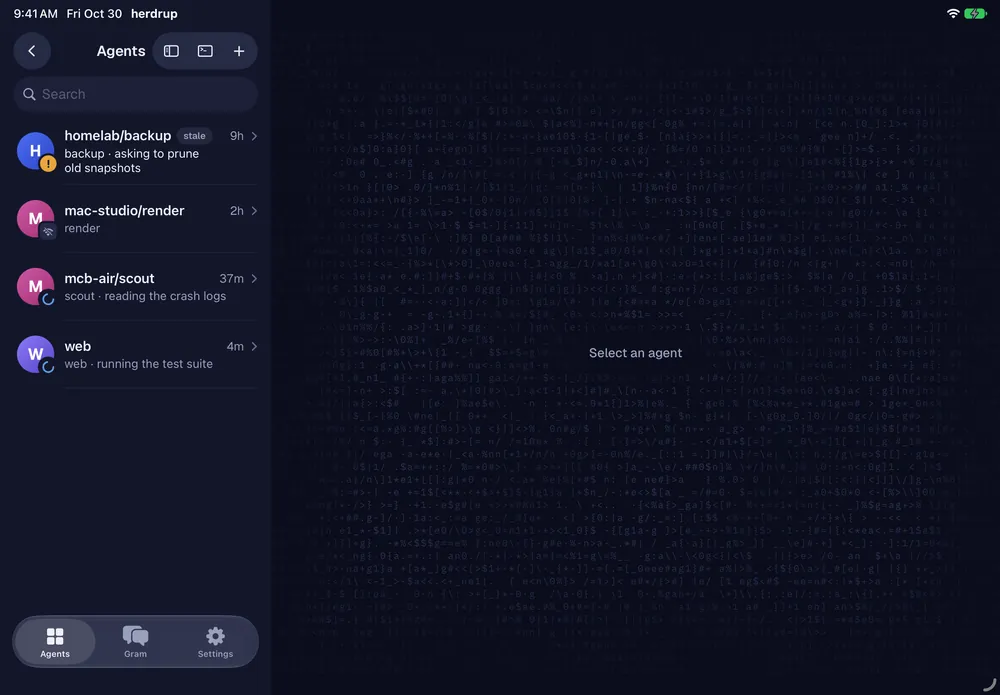
All your machines, one list.
One herdr connects to its peers, so every agent, wherever it runs, shows up in the same list with a machine chip.
- A machine chip on every agent
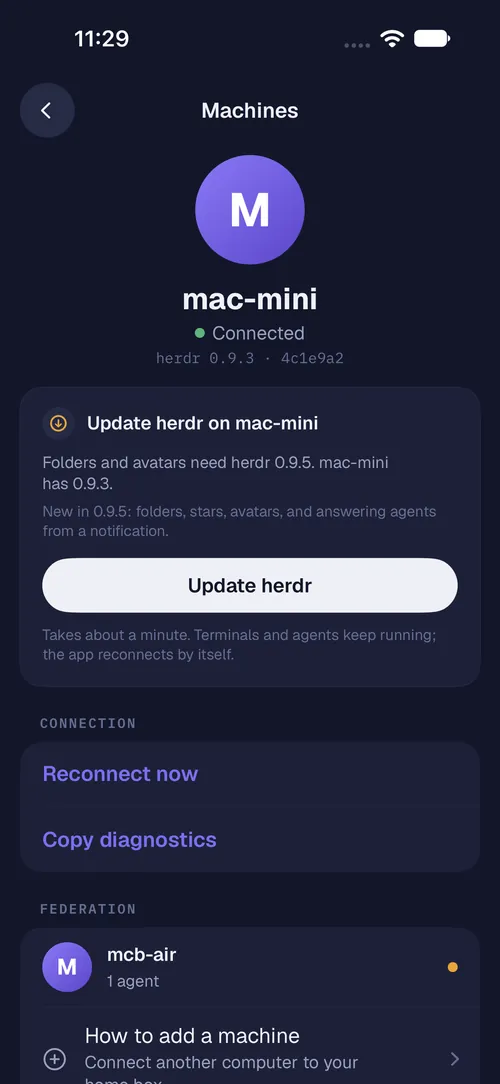
- Start agents from the app: pick a folder, a harness and a task
- One-tap herdr updates: agents survive with a live handoff
08 · iPhone Duo
A layout for every pose.
herdrup 1.3 supports Apple’s foldable iPhone Duo, with the same app and the same account in every pose.
- Closed: the cover screen shows your agents
- Open: the board and an agent side by side on the inner display
- Layouts for the tent and laptop poses too
And the rest
Calm by design.
Accounts
Accounts and usage
A per-harness account registry and live plan usage. See how much of a plan an agent is burning and move it onto another account.
Privacy
Nothing public
The app connects to your own machine over SSH on your own network or tailnet. There’s no cloud in between for your agents, and guest sharing goes through the herdrup relay.
Open source
No accounts, all open
Nothing to sign up for. herdrup and Herdrup Desktop are Apache-2.0, and the herdr fork is open source too.
Every screen you own.
Free on the App Store for iPhone, iPad and Apple-silicon Macs. Herdrup Desktop for macOS, Windows and Linux.