iPhone · iPad · Mac · Windows · Linux
One herd. Every screen.
Answer your coding agents from your phone, your iPad or your desk. A calm status board for Claude Code, Codex and around 18 more, on the machines you already run.

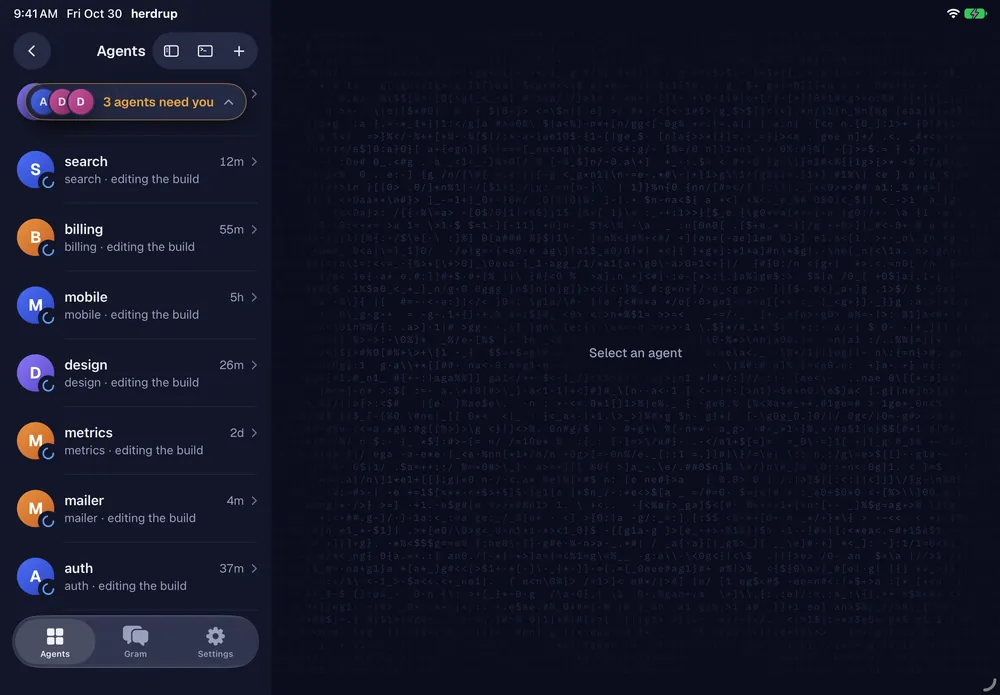
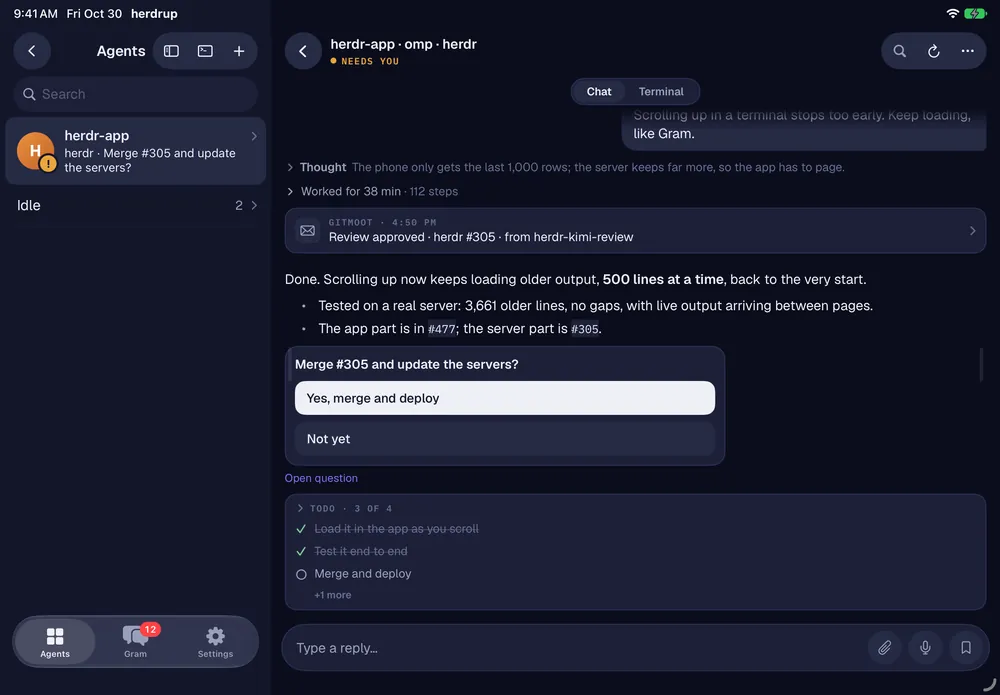

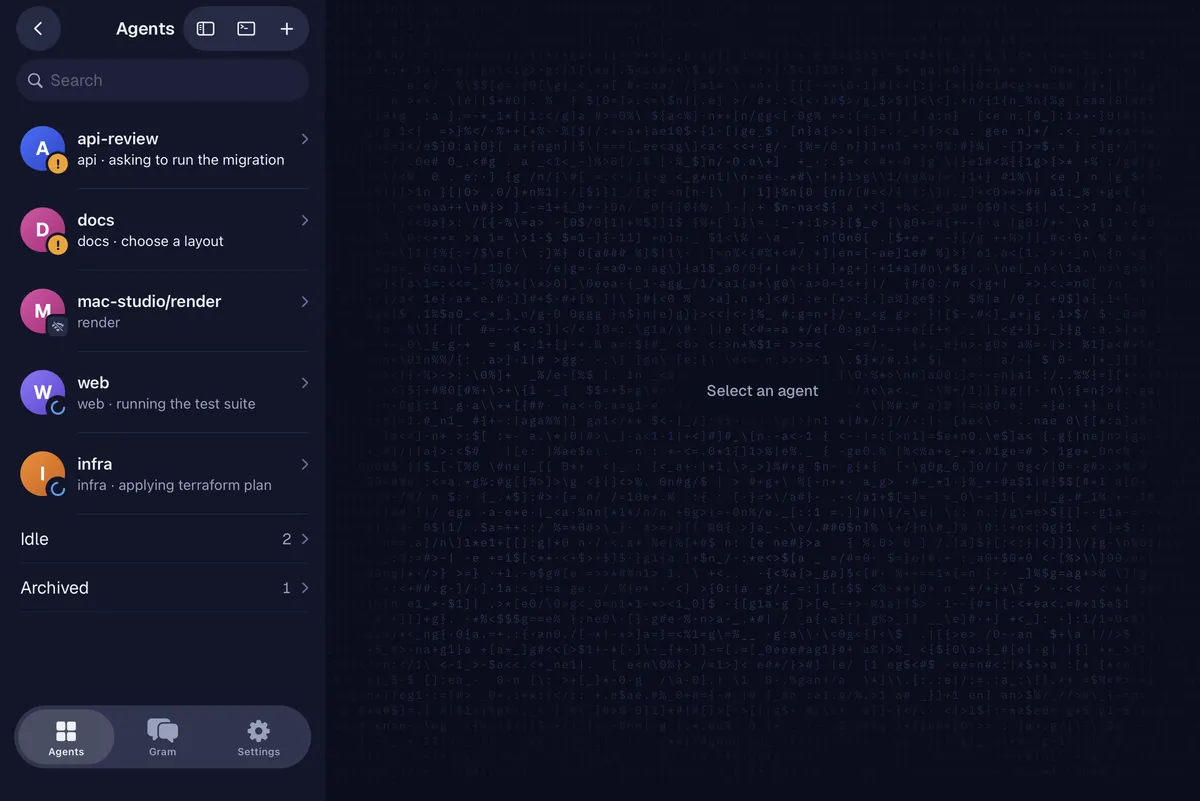
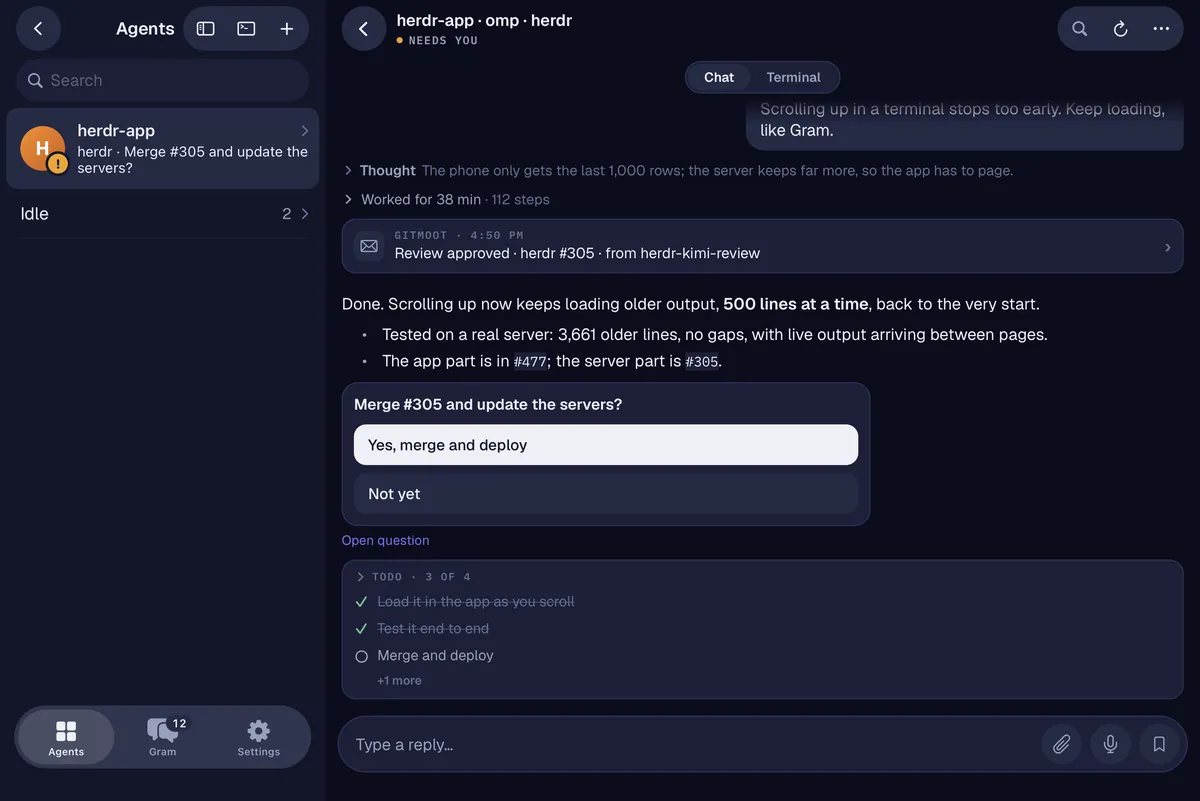

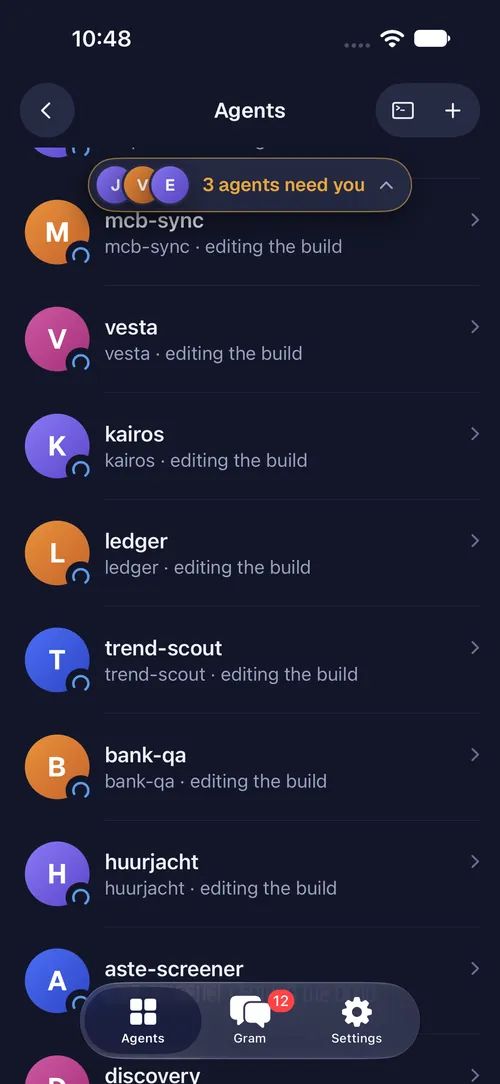
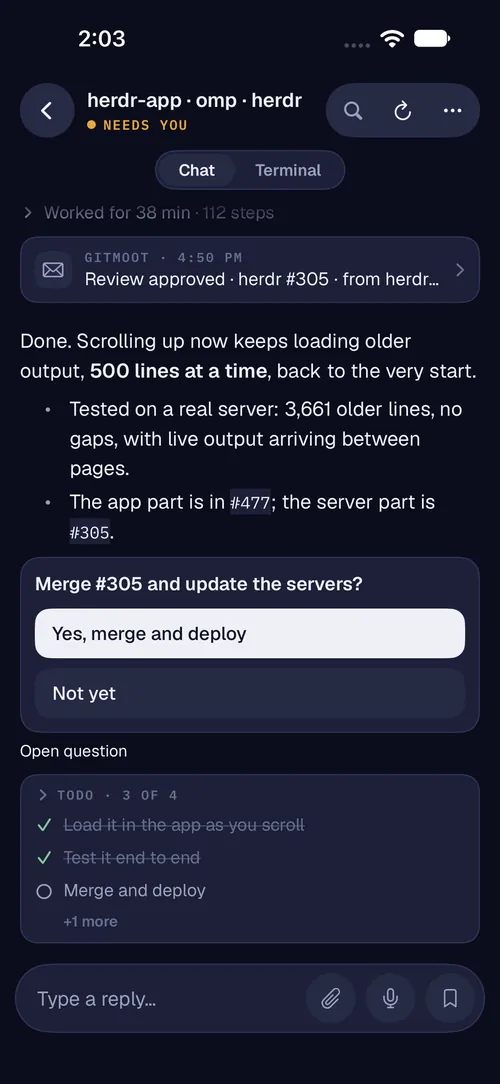
herdrup 1.3 · iPhone Duo
Fold it, unfold it. Same herd.
herdrup has a layout for each pose of Apple’s foldable iPhone Duo. It’s the same app and the same account, closed or open.
Layouts for the closed, tent, open and laptop poses.
Federation · all your machines
Every machine. One list.
One herdr connects to its peers, so every agent, wherever it runs, shows up in the same list with a machine chip.
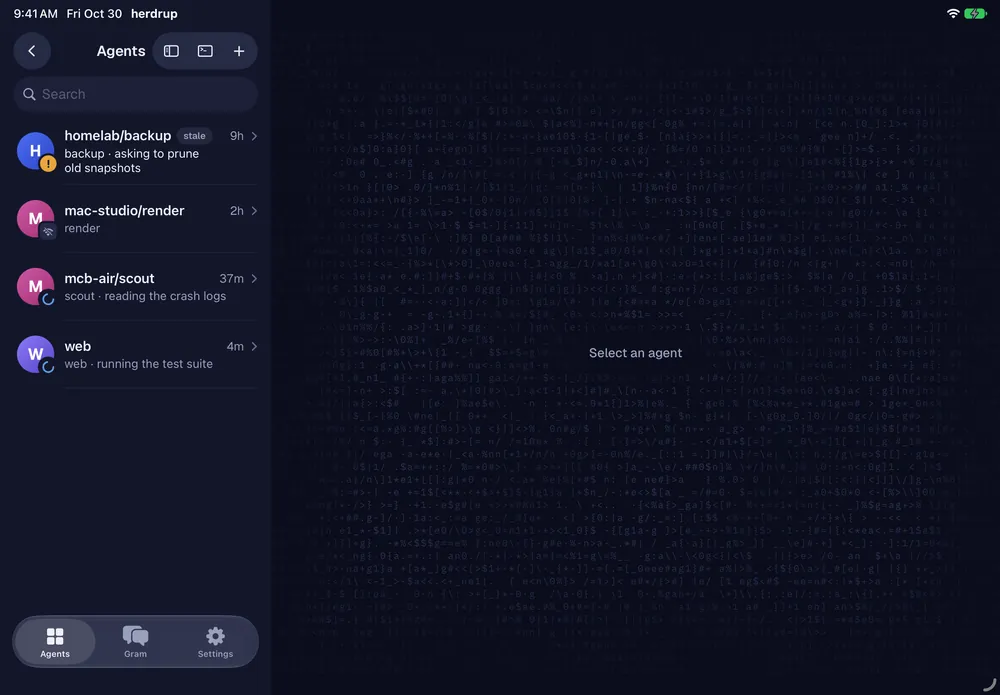
A chip on every agent
Each agent in the list shows the machine it runs on, so a long list still reads at a glance.
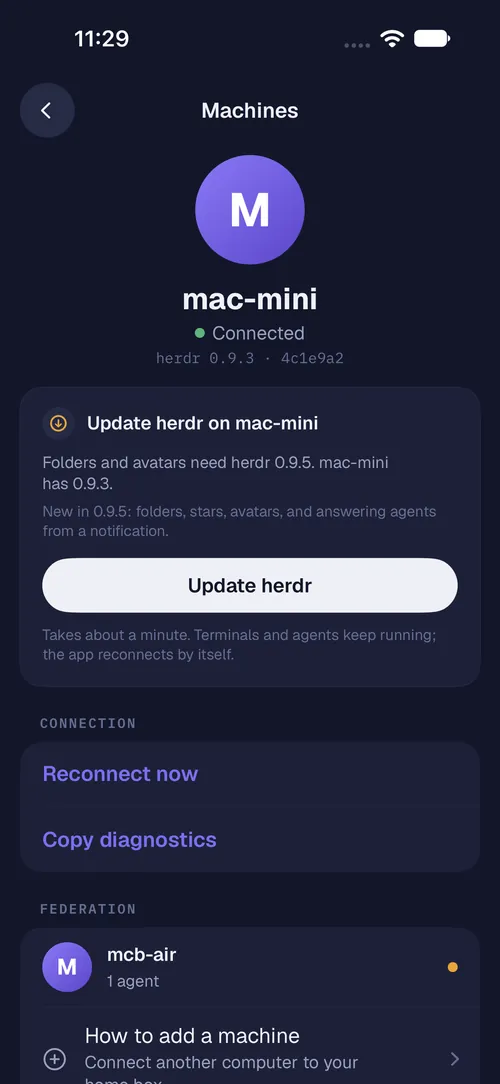
One-tap herdr updates
Update a machine’s herdr from the app. Agents that are mid-run survive the update with a live handoff.
Your network, no cloud
The app reaches your machines over SSH on your own network or tailnet. There’s no account to make.
Shared agents · guests
Share one agent, not the machine.
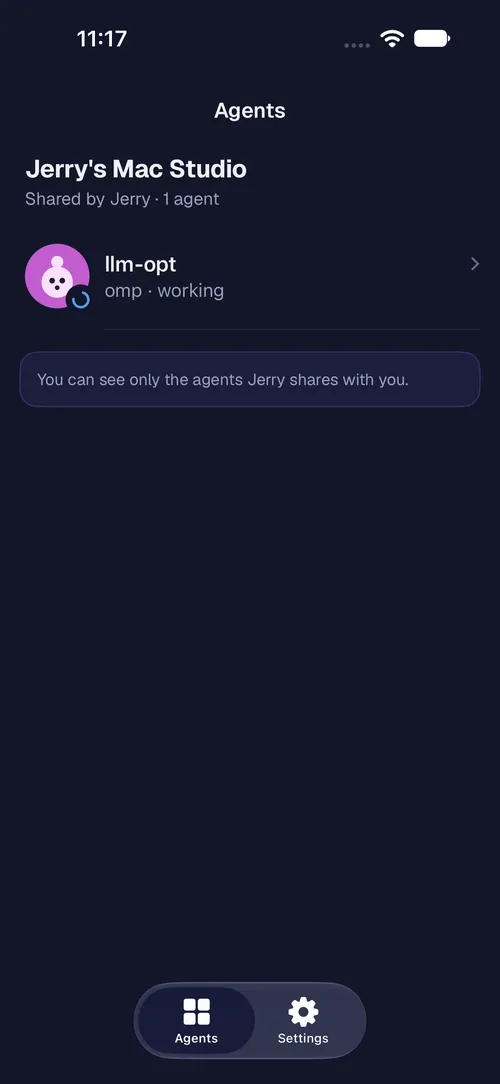
Send a teammate a short invite link. They see only that agent: they can chat, answer its questions, watch its terminal and use Gram with it.
- In any browserNo install. The web guest opens at guest.herdrup.app/web.
- Or in the iPhone appGuests see only the agents you share with them.
- You stay in chargePause or revoke a guest’s access whenever you like.

The tour
Everything on the board, one tap away.
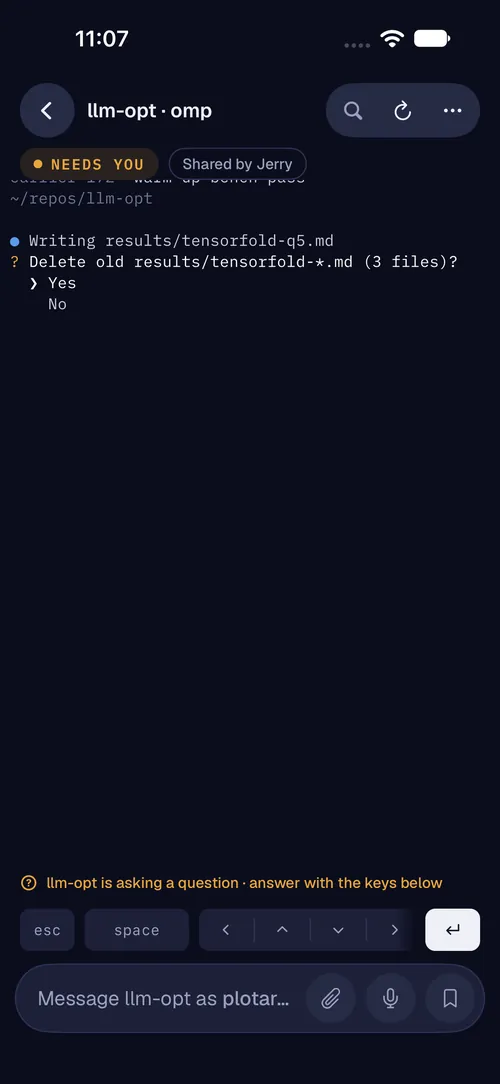
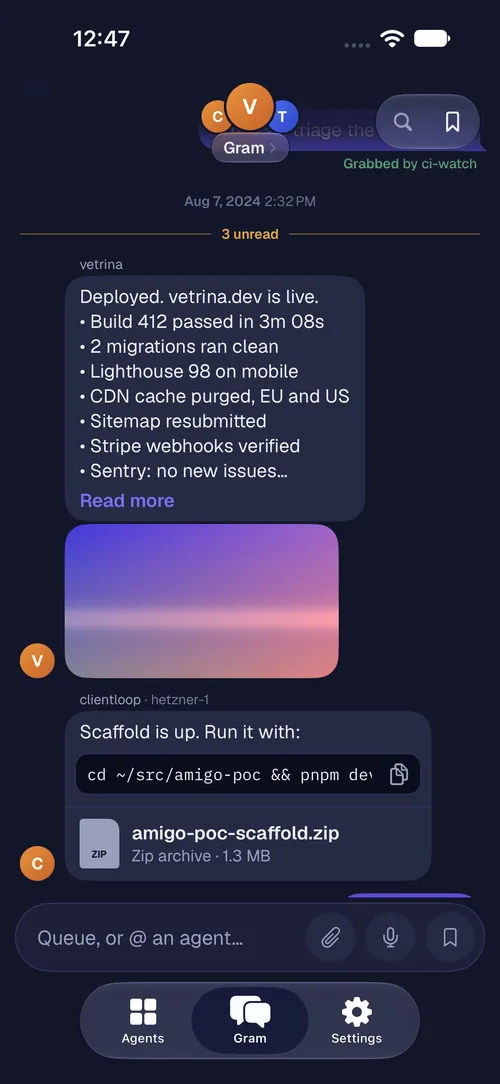
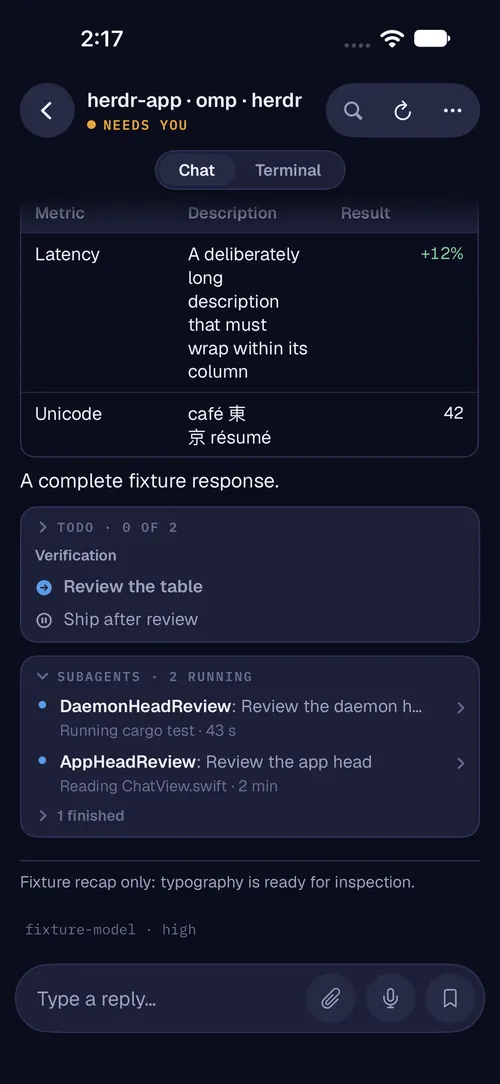
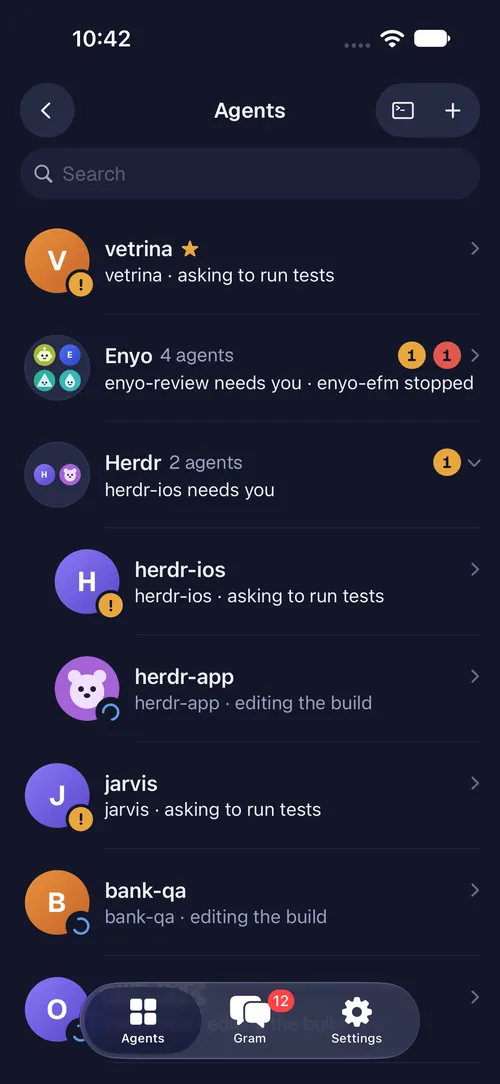
Status board
Grouped by what needs you, what’s working and what’s idle.
Chat view
Tables, code and diagrams. Answer a question with one tap.
Terminal view
The real live session. Send keys, approve or reject.
Gram
Send a note, a file or a short-lived key. Credentials are redacted.
Herdrup Desktop · Preview
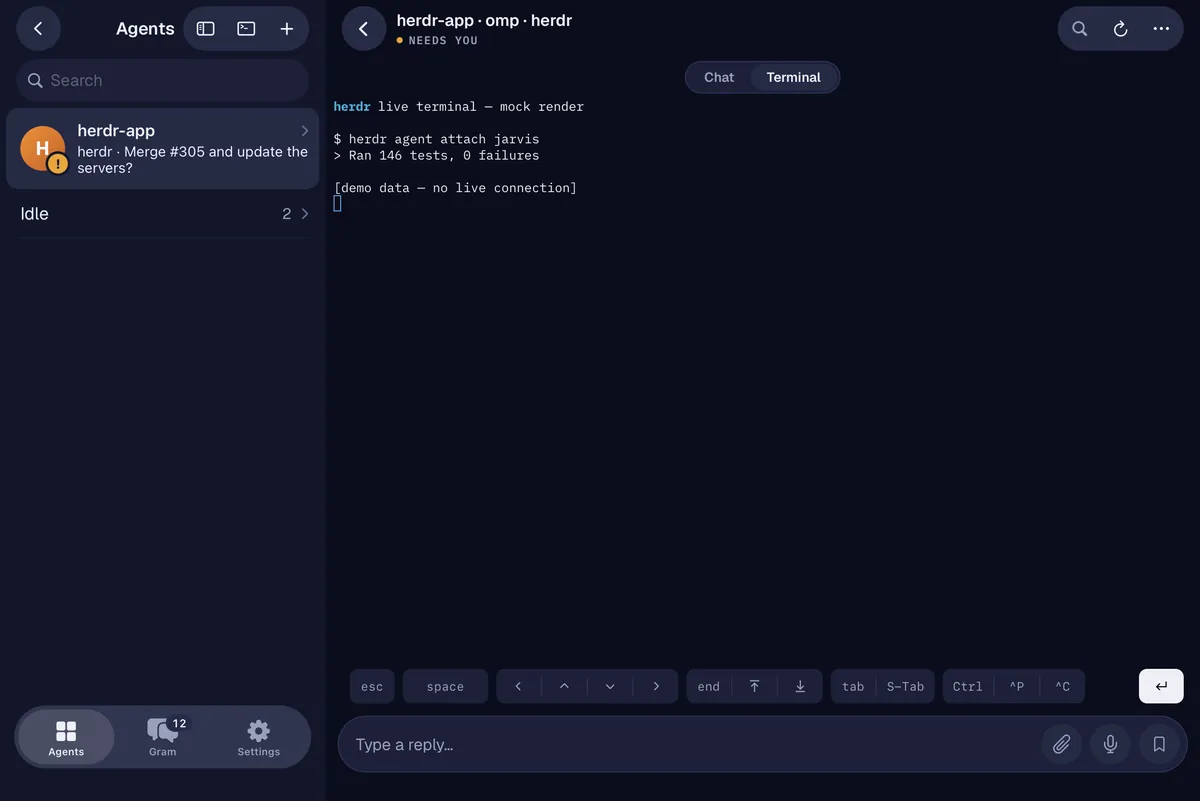
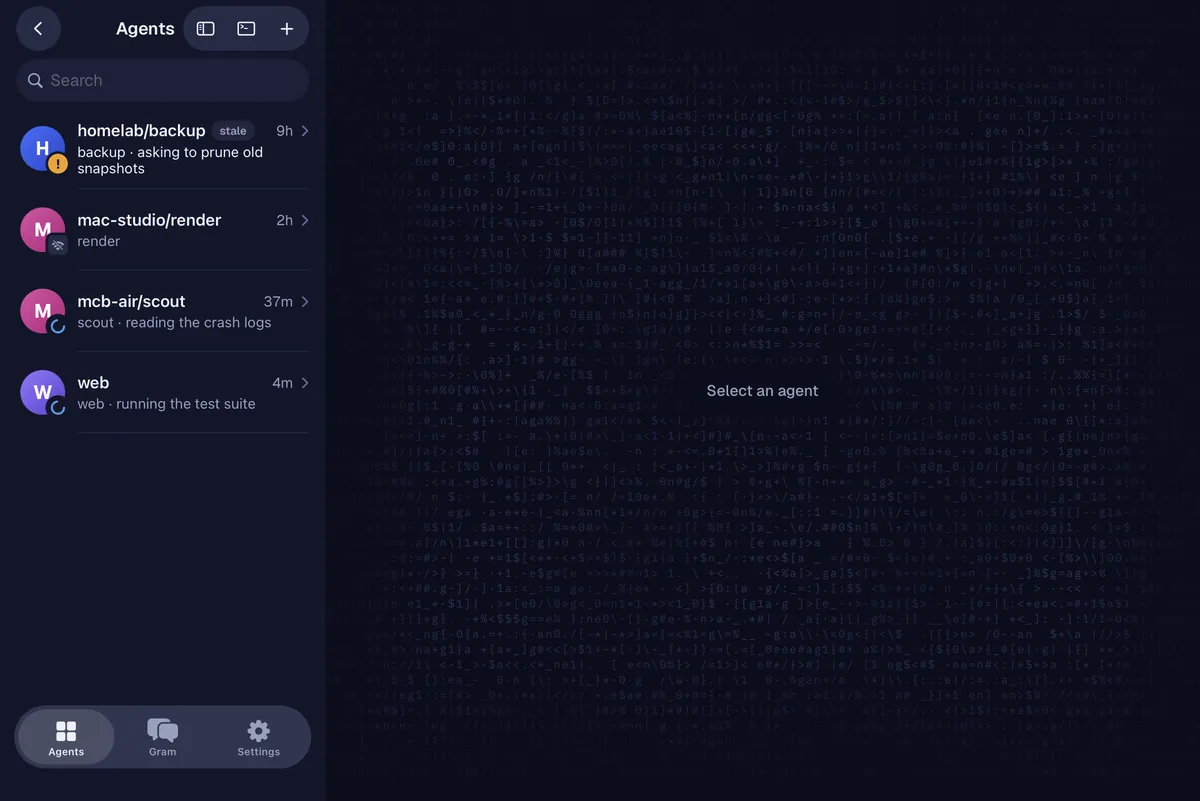
On your desk, on any OS.
The board, the chat and terminal views, Gram and federation, in a desktop app for macOS, Windows and Linux. It updates itself in-app.
v0.1.0-preview.10 · Linux needs WebKitGTK 4.1 · All releases on GitHub →
Under the hood
Built on herdr, with the parts a phone needs.
herdrup runs on an open-source fork of the herdr daemon that adds the remote layer official herdr has no way to offer. Every change is additive and tracks upstream, so you keep herdr’s own fixes and gain the mobile control plane on top.
curl -fsSL https://herdrup.themartian.app/install.sh | shThen run herdr pair and scan the code from the app.
Herd calmly.
Free on the App Store for iPhone, iPad and Apple-silicon Macs.
Herdrup Desktop is a preview for macOS, Windows and Linux.